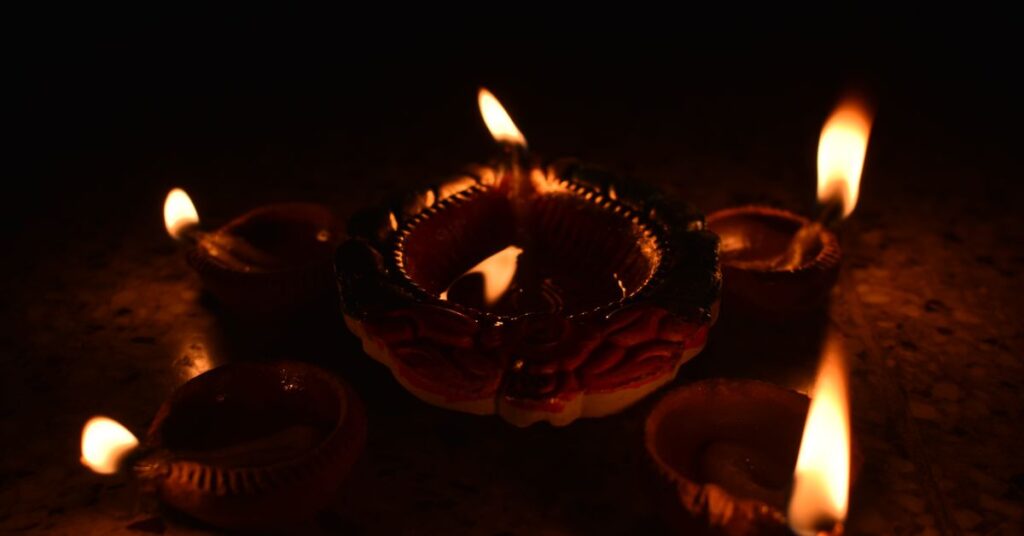
Diwali Gemini photo prompts work best when you describe a festive scene in detail, with the lamps, the colours, the light and the mood, and tell Gemini to keep your face and features the same when you edit your own photo. This guide gives you twelve copy-ready ideas for Diwali: diya portraits, rangoli scenes, family gatherings, rooftop lights, sweets, greeting cards and vintage film looks. For each you get a template, a tip and the mistakes to avoid. In 2026 the main Diwali day is reported as 8 November, though dates differ by region, so check your local calendar.
Key takeaways
- Describe the setting, the light and the clothing in plain words. Gemini does not need a designer’s name or a celebrity to create a festive look.
- When you upload your own photo, say “keep the face, hairstyle and expression exactly the same” and change only the outfit or background.
- Warm, low light from diyas and string lights is the easiest way to make a Diwali image look natural.
- Upload only photos of people who agreed. Do not upload photos of children.
- Label AI images when they could be mistaken for real photographs.
How to write Diwali Gemini photo prompts
A good festive prompt has five parts: the subject, the setting, the light, the camera view and the mood. Start with “Create an image of” for a new picture, or “Edit this image” when you upload a photo. Then fill in the parts.
| Part | Diwali examples |
|---|---|
| Subject | A family, a friend group, a single portrait, a table of sweets |
| Setting | A balcony with diyas, a courtyard with rangoli, a rooftop with string lights |
| Light | Warm lamp light, golden hour, twilight with fairy lights |
| Camera view | Waist-up, wide shot, overhead of a thali |
| Mood | Joyful, calm, nostalgic, grand |
For the general method behind this, read our Nano Banana prompt guide and our collection of Gemini prompts.
12 Diwali Gemini photo prompts to copy
1. Diya portrait
“Create an image of a woman in a deep red and gold outfit holding a lit diya on a decorated balcony at dusk, warm lamp light on her face, string lights behind her, shallow depth of field, natural skin texture.”
Tip: ask for natural skin texture so the face does not look over-smoothed.
2. Rangoli courtyard
“Create a top-down photo of a colourful rangoli pattern made with flower petals and coloured powder in a courtyard, surrounded by lit diyas, evening light, sharp detail.”
Tip: say “top-down” for a clear pattern, and name two or three main colours.
3. Family at the door
“Create an image of a family in festive clothes standing at a decorated front door with marigold garlands and a row of diyas, warm evening light, everyone smiling, wide shot.”
Tip: groups are harder for faces. Generate several versions and pick the best.
4. Rooftop lights
“Create an image of a rooftop at twilight with strings of fairy lights, paper lanterns and friends laughing in the background, soft blue sky turning dark, warm glow.”
5. Sweets and thali
“Create an overhead photo of a brass thali with assorted Indian sweets, dried fruit, a lit diya and marigold petals on a dark wooden table, warm side light.”
Tip: food images need steam, texture or sparkle details to feel appetising.
6. Greeting card
“Create a square Diwali greeting card with the words ‘Happy Diwali’ in elegant gold lettering on a deep blue background, a row of glowing diyas along the bottom and plenty of empty space.”
Tip: keep the text short and check every letter. Spelling errors in lettering are common.
7. Couple portrait (your own photo)
“Edit this image. Keep both faces, hairstyles and expressions exactly the same. Change the clothing to traditional festive outfits in red and gold and the background to a softly lit courtyard with diyas.”
Tip: only use a photo of yourself and a person who agreed.
8. Vintage film look
“Create an image of a couple in traditional clothes among lanterns and fireworks, styled like a 1970s film poster with warm sepia tones, soft grain and a faded paper texture.”
Tip: name the decade and the film look, not a specific film or person.
9. Candlelit home
“Create an image of a living room decorated for Diwali with rows of diyas along the window, a marigold garland on the sofa, soft golden light and a few lanterns hanging from the ceiling, realistic photograph.”
10. Street market at dusk
“Create an image of a busy festive street market at dusk with stalls selling lamps, flowers and sweets, glowing lanterns overhead and shoppers in the distance, warm light, wide angle.”
11. Fireworks sky
“Create an image of a quiet rooftop terrace under a night sky filled with distant golden fireworks, a small family silhouette watching, long exposure look.”
Tip: silhouettes avoid face problems and make a strong poster-like image.
12. Outfit change for your own photo
“Edit this image. Keep the face and pose exactly the same. Change only the outfit to a festive kurta in deep green with gold embroidery. Keep the background and lighting unchanged.”
Tip: one change at a time keeps the face from drifting.
Photo prompts for your own pictures: a safe routine
- Pick a sharp, front-facing photo with even light.
- Write the lock line first: “Keep the face, hairstyle and expression exactly the same.”
- Change one thing: outfit, background or lighting.
- Compare with your original at full size, looking at eyes, nose and jawline.
- Refine with short follow-ups, such as “make the diya light a little warmer”.
- Save the best prompt so you can reuse it next year.
Common problems and fixes
| Problem | Fix |
|---|---|
| Face does not look like you | Use a sharper photo, repeat the lock line and ask for a slightly closer framing |
| Over-bright, plastic look | Ask for natural skin texture and soft lamp light |
| Garbled greeting text | Shorten it, put it in quotation marks and retry, or add the words later in a design app |
| Too many diyas, cluttered scene | Say “a row of five diyas” and leave empty space |
| Fireworks look fake | Ask for distant, subdued fireworks and a long-exposure feel |
| Request refused | Rephrase; avoid real people, public figures and children |
Respectful and responsible use
- Use your own photos or photos of people who clearly agreed.
- Do not upload photos of children, and do not create images of real public figures.
- Do not use another person’s name or likeness to make an image look endorsed.
- Describe traditional clothing and symbols accurately and respectfully.
- Label AI images when they could be taken for real photographs, especially if you share them in family groups or on social media.
- Be careful with fireworks in real life. An image of them is not a safety guide.
Google adds an invisible watermark to images made with its tools, but viewers cannot see it, so honest labelling is up to you. Our disclaimer explains the limits of our advice, and how we test explains how we research.
Ideas to extend the set
- A matching series for Dhanteras, Diwali and Bhai Dooj with the same colour palette.
- A square card for each family member with a different festive scene.
- A short album of the same scene at dusk, night and morning.
- Next-year prompts saved in a note so you can rerun them with updated details.
These prompts are templates, not lab-tested recipes. Results vary by model, plan and run, so try each one more than once. For more guides, browse the Gemini and Nano Banana category.
Frequently asked questions
What are the best Diwali Gemini photo prompts?
The best ones describe the scene, light and clothing clearly, such as a balcony with diyas at dusk, warm lamp light and a red and gold outfit.
How do I keep my face the same when editing a photo?
Upload a sharp front-facing photo and start with a line such as keep the face, hairstyle and expression exactly the same, then change only one thing.
Can Gemini write Happy Diwali text on a card?
It can, but lettering often has errors. Keep the words short, put them in quotation marks and check every letter, or add text later in a design app.
Is it safe to upload family photos to Gemini?
Only upload photos of people who agreed, avoid photos of children and read Google’s privacy settings for your account before sharing personal pictures.
Do I need to label Diwali images made with AI?
Label them when they could be mistaken for real photographs, for example by adding a caption that says created with AI.
Why does my Diwali image look fake or plastic?
Ask for natural skin texture, soft lamp light and a few specific details, and avoid hype words such as ultra realistic.
Final thoughts
A good Diwali image needs warm light, a clear scene and a few well-chosen details. Start with a template, lock the face when you edit your own photo, change one thing at a time and share the result honestly.
Independent publication. Not affiliated with or endorsed by Google. Limits and prices change; verify in your own account.